
Your raw files, developed live. AI on your own computer.
Darkroom develops your photos on the graphics card, opens your Adobe Lightroom settings (.xmp files and catalogs) and runs its AI locally, without sending a single photo anywhere.
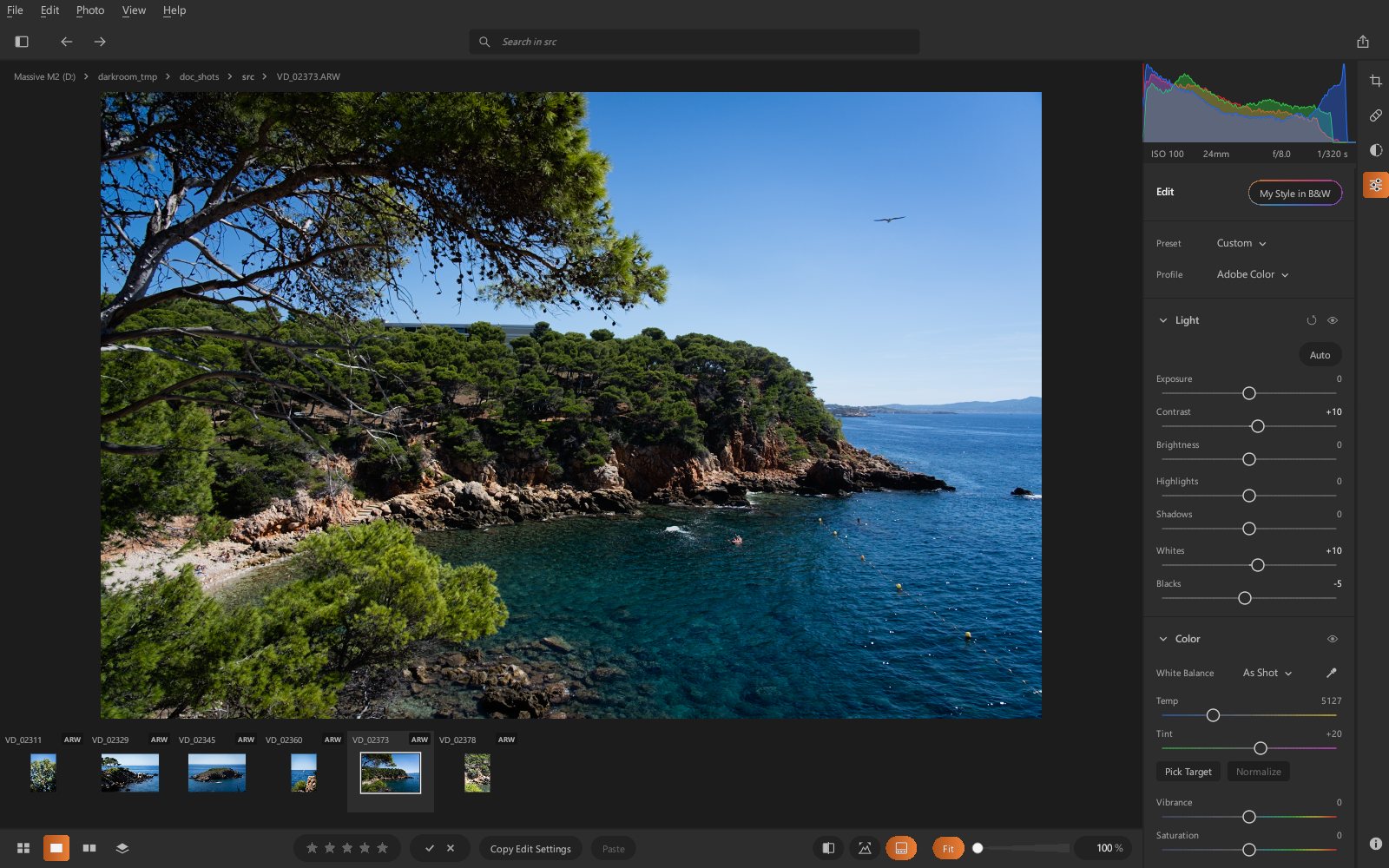
Workspaces
Keep your habits
Coming from Lightroom, Camera Raw, Capture One, DxO PhotoLab or darktable? Pick the workspace made for you: panels where you look for them, familiar terms and shortcuts. All of Darkroom's tools remain available in every workspace.
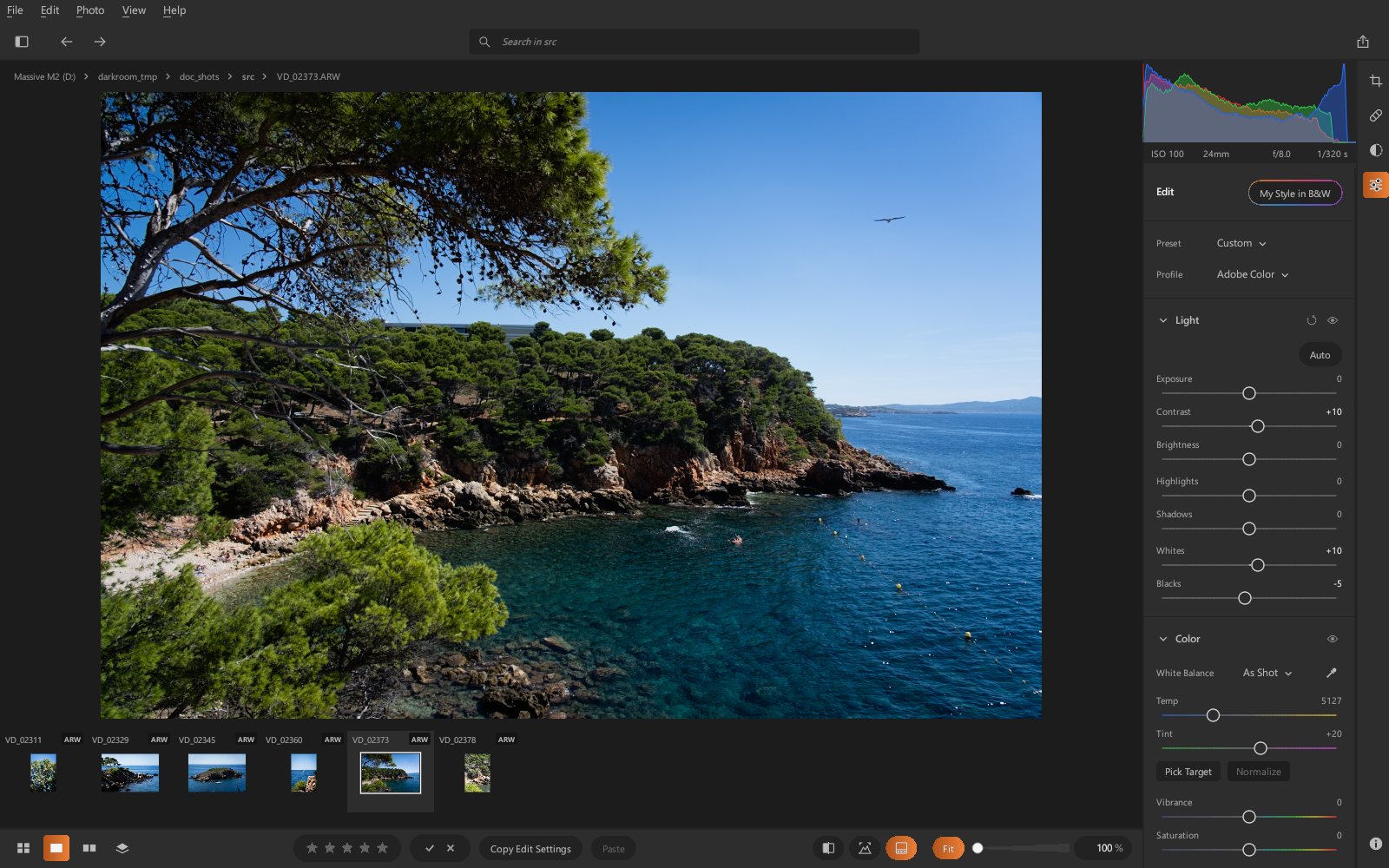
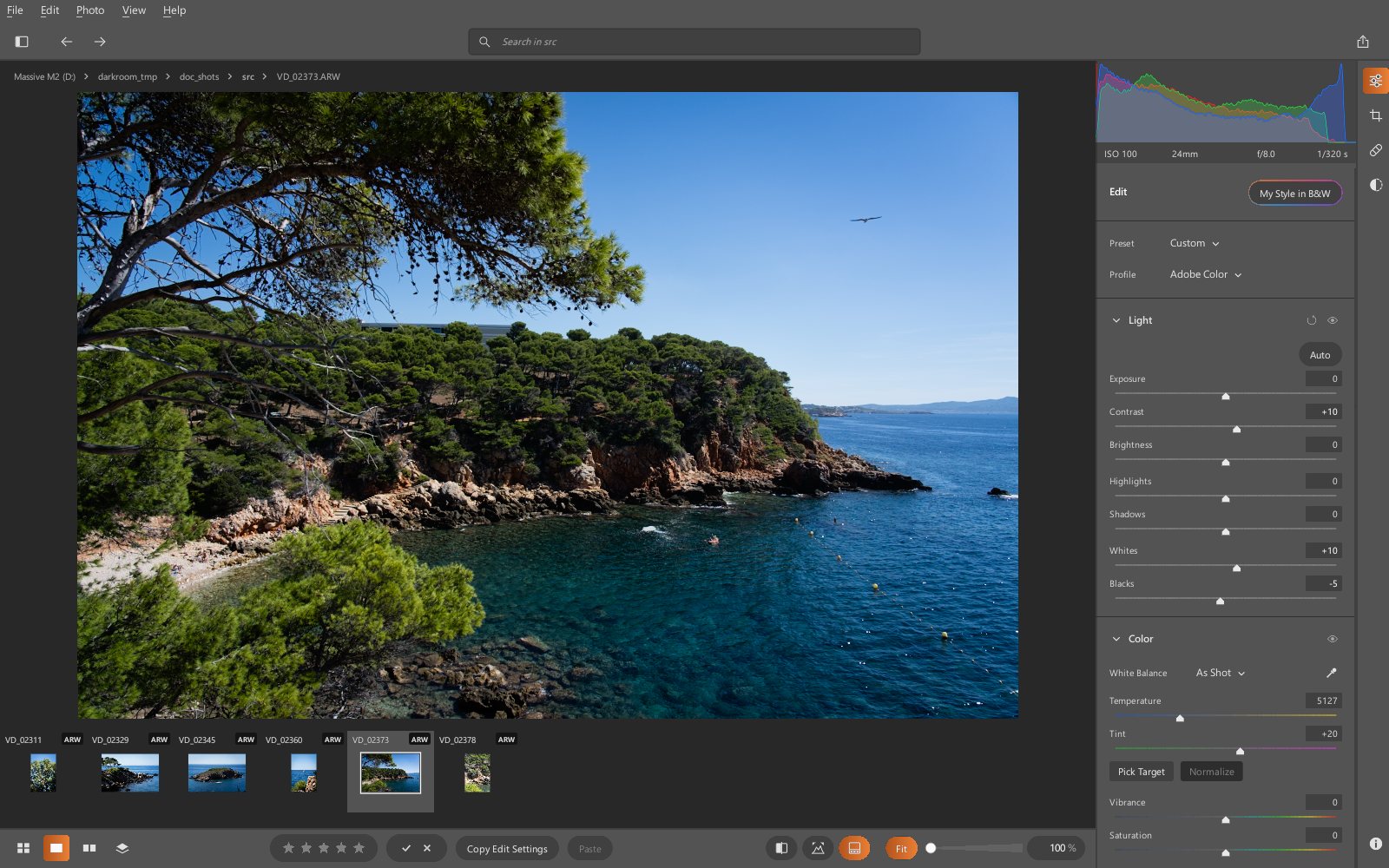
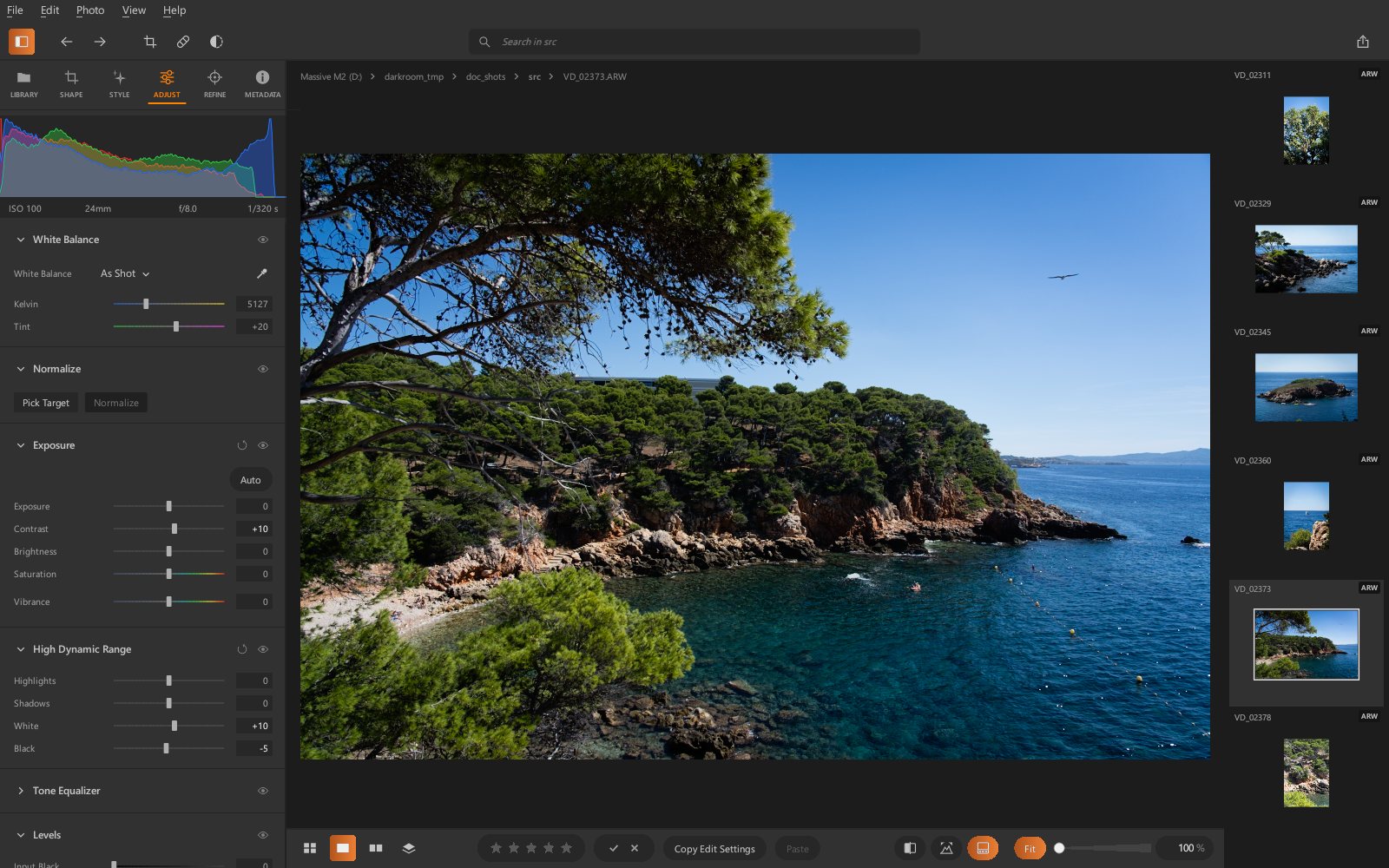
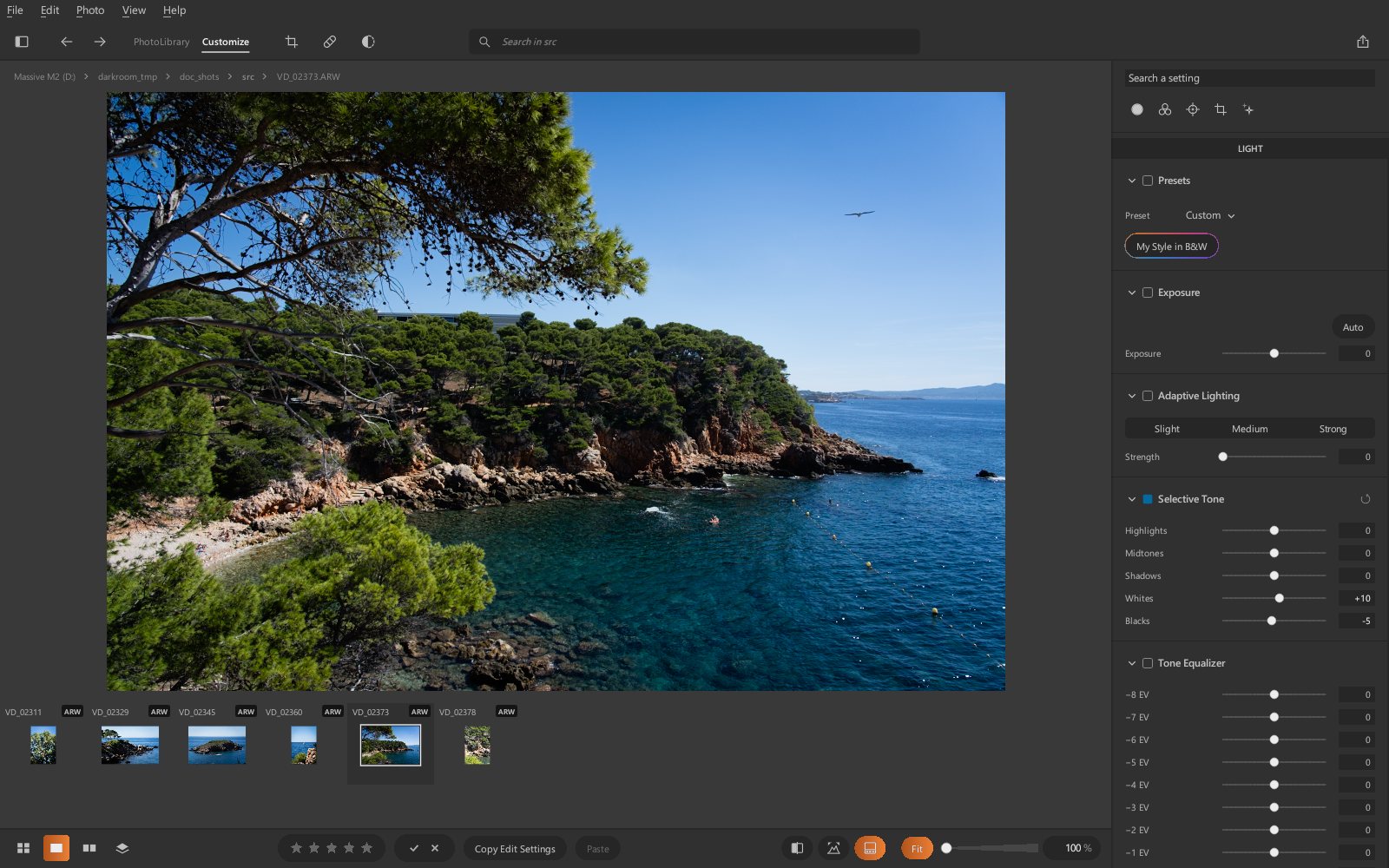
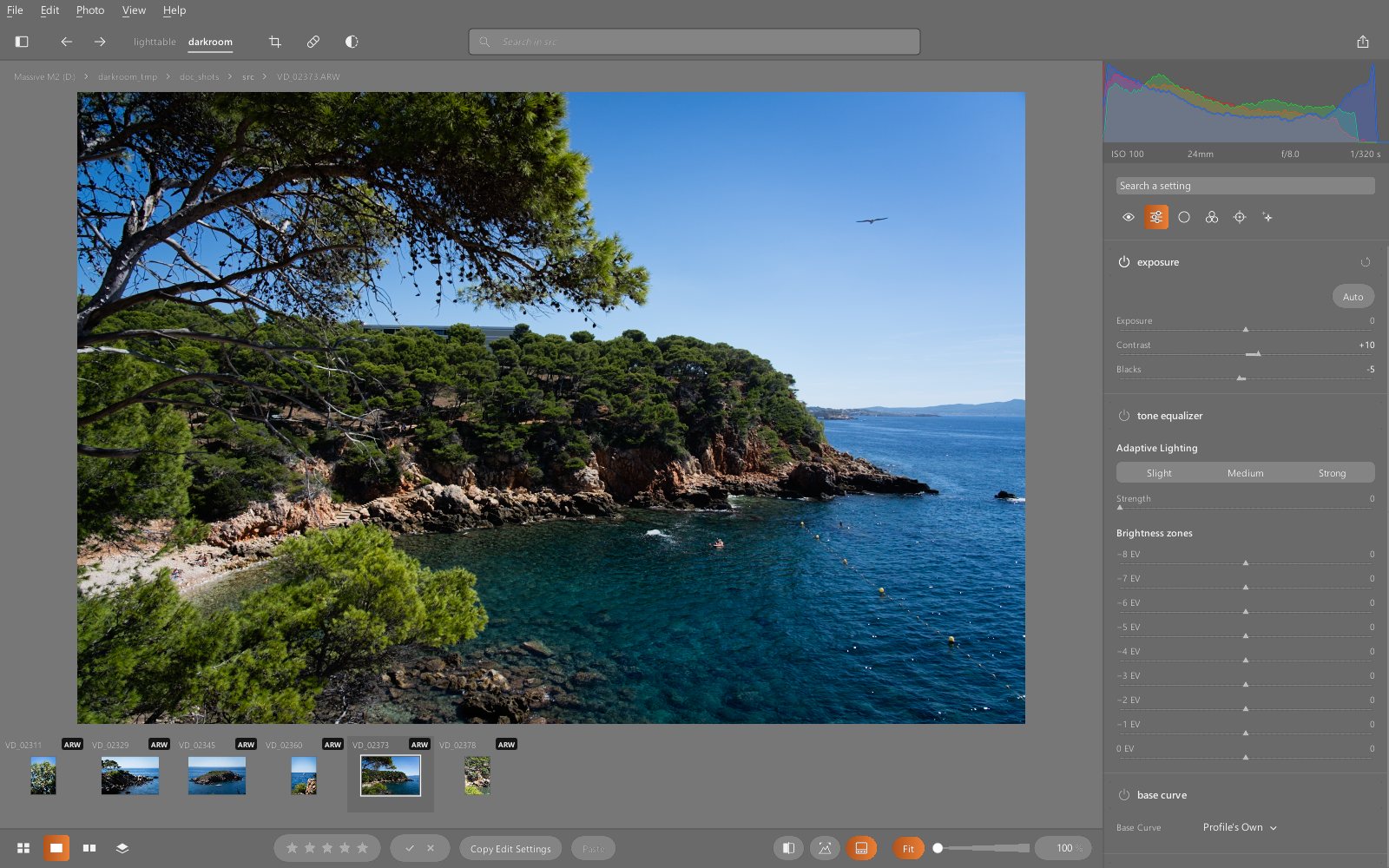
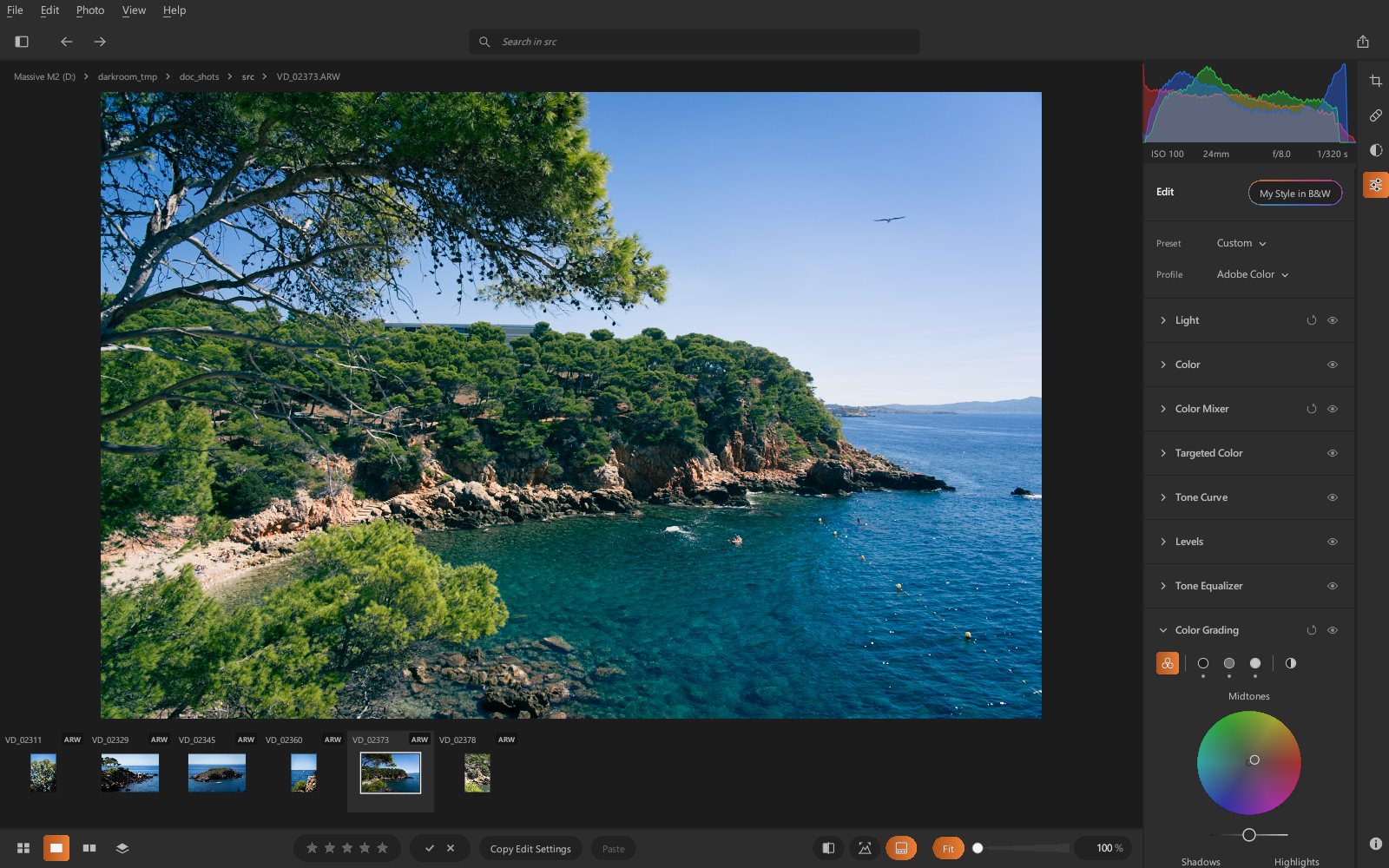
Darkroom's original interface: panels on the right, filmstrip at the bottom
Discover the workspaces · The tools of each workspace
Adobe, Adobe Camera Raw, Lightroom and Photoshop are either registered trademarks or trademarks of Adobe in the United States and/or other countries; Capture One, DxO PhotoLab and darktable are trademarks of their respective owners. Darkroom is independent software, neither affiliated with nor endorsed by these publishers.
New · Retouch
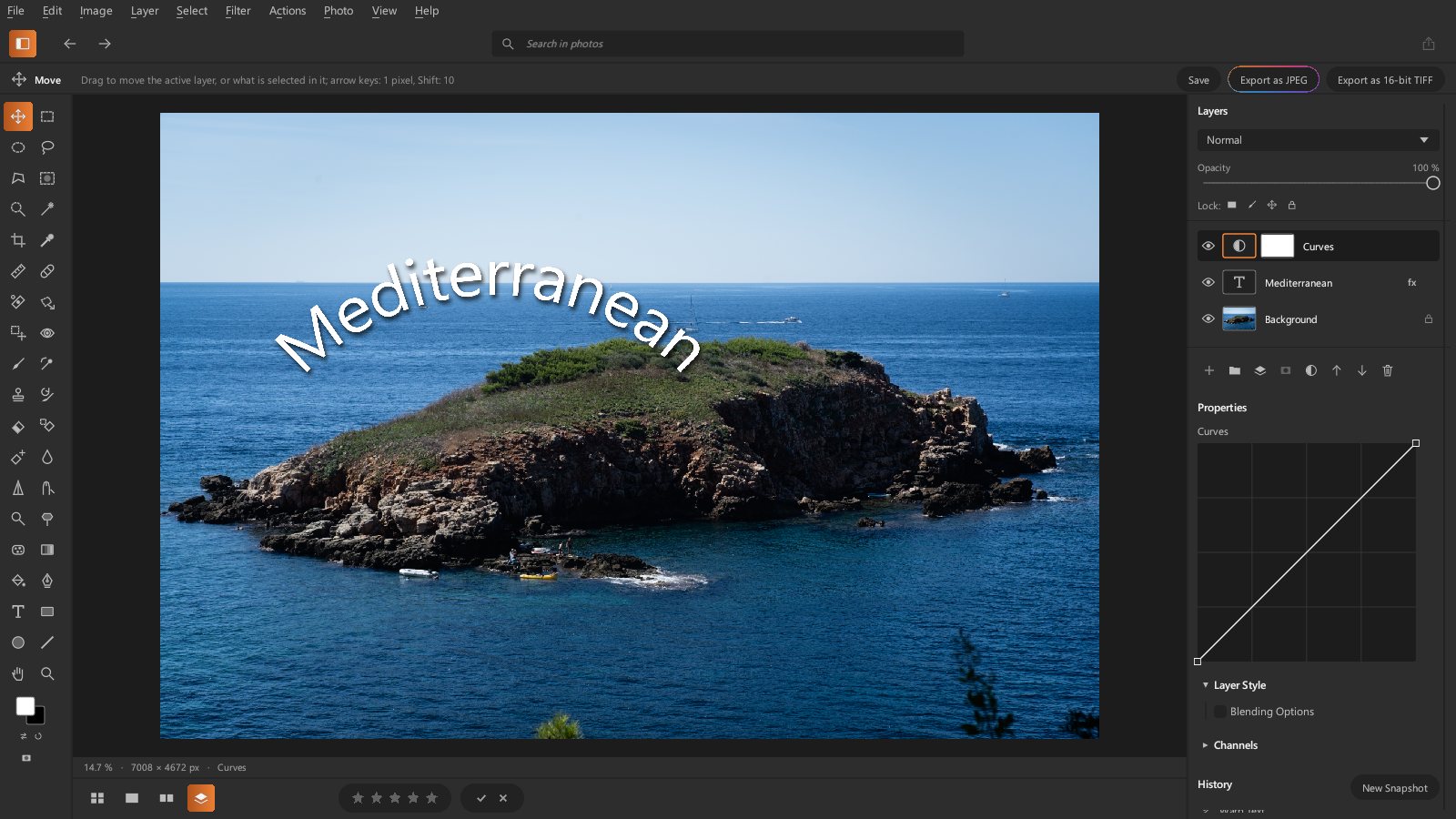
Layers and retouching, without switching apps
After Develop, move on to retouching: layers, masks, blend modes, type, AI selections, Clone Brush, Reshape, Perspective Plane, about fifty filters, batch actions… The developed photo stays the Background and always follows your settings.
Why Darkroom
Made for people coming from Lightroom… and the others
Your Lightroom settings, faithfully
Settings from .xmp files open with a rendering very close to the original, masks, retouching
and crop included. Adobe's color profiles (Adobe Color, creative profiles) are used when they
are installed on the computer.
Fast
All rendering happens on the graphics card: settings apply in a few milliseconds, even on sensors of 60 MP and more.
Local artificial intelligence
Magic Brush, Subject, Sky and Background masks, AI Erase, depth, noise reduction, My Style: everything runs on your computer.
Most cameras
Sony, Canon, Nikon, Panasonic, Olympus/OM, Pentax, Leica, Hasselblad, Fujifilm (X-Trans included), DNG… and JPEGs.
Masks
Subject, Sky, Background: in one click
The AI cuts out people or the main object, the sky right down to the gaps between pine needles, or everything else. The Magic Brush snaps your stroke to the edge of the object you paint; brush, linear and radial gradients, and luminance, color and depth ranges round out the tools.
Remove
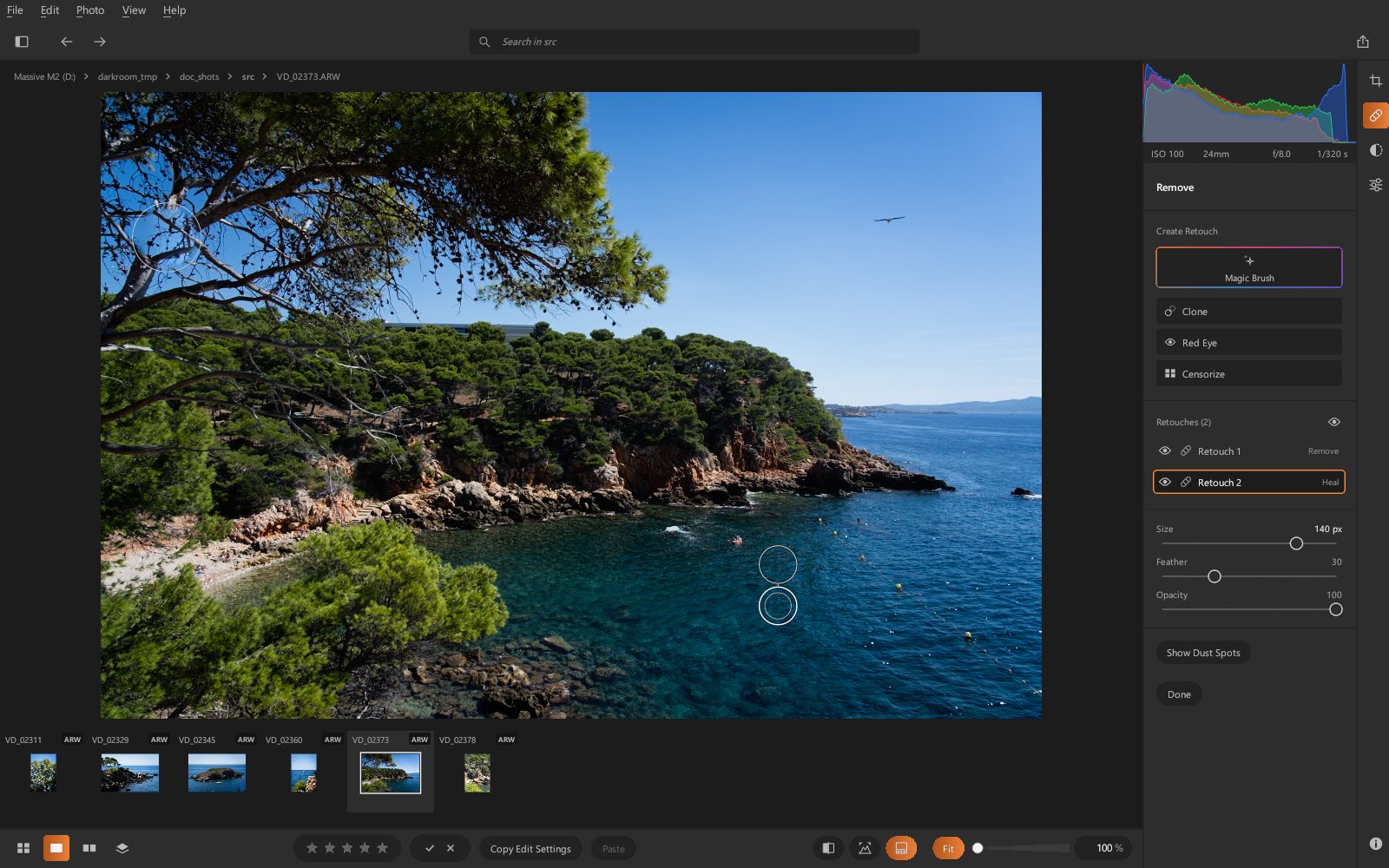
Erase what gets in the way
Dust spots, passers-by, cables: paint over them, and AI Erase replaces them with what should be behind. AI snap takes the object right out to the edges of its outline; the Clone tool is still there for classic retouching.
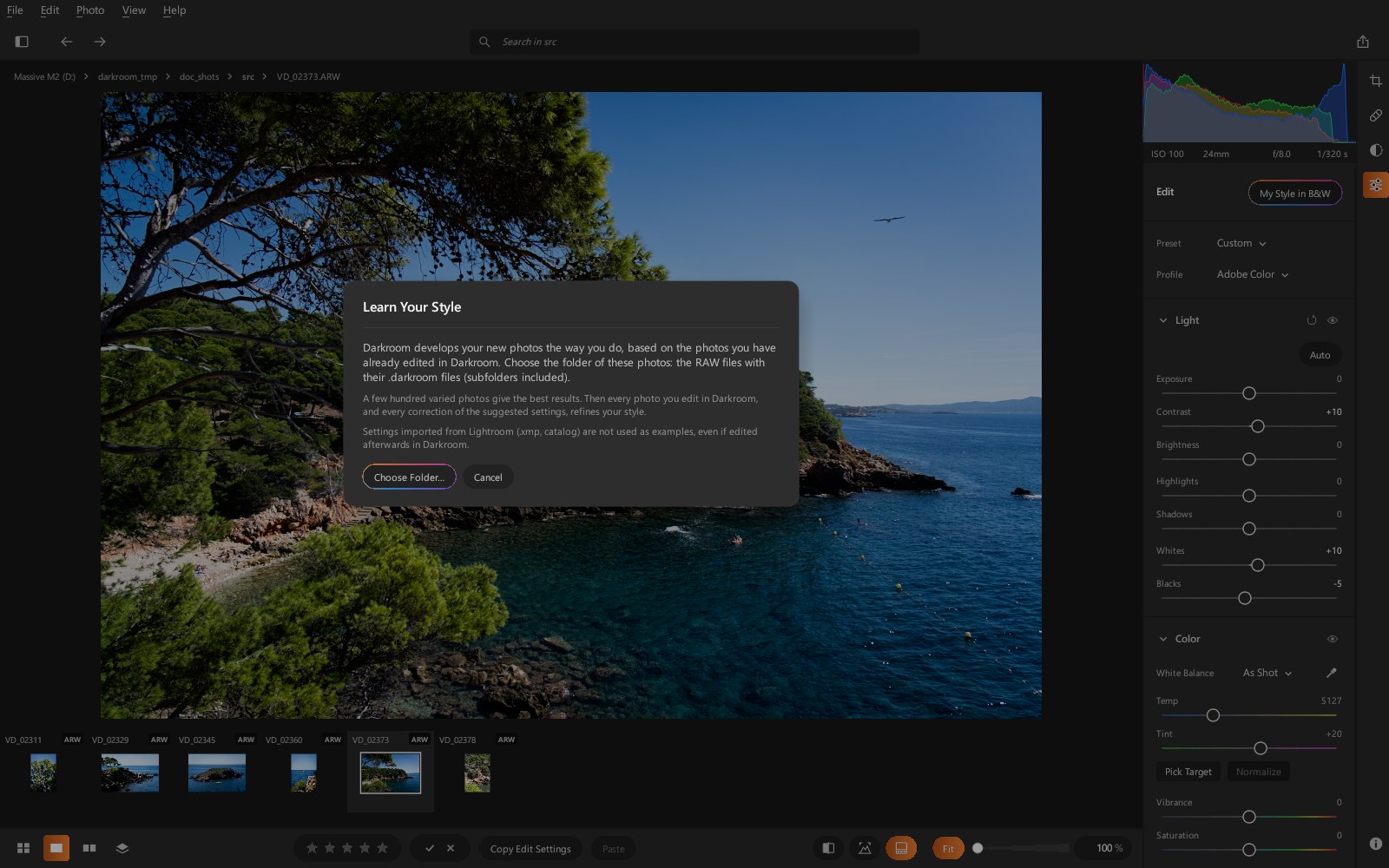
My Style
Your new photos, developed the way you would
Darkroom learns from the photos you have already edited, in Lightroom or in Darkroom, and suggests the same settings for the next ones. No style is supplied: everything comes from your own examples, and every correction refines it.
Lightroom
Your Lightroom work comes with you
Settings from .xmp files are picked up when a photo opens, masks, retouching and crop
included, and Lightroom Classic catalogs can be read too. Ratings, flags, keywords and
collections organize the library.
Getting started
Four steps
Ready to develop?
Windows 10 or 11, or 64-bit Linux (Ubuntu 24.04 and later) · Vulkan or DirectX 12 graphics card · 8 GB of memory.
Darkroom is free during the beta. Find it useful? You can support its development by buying me a coffee.